Choosing the right link shortener tool for your business isn't just about making URLs shorter—it's about finding a comprehensive URL shortening service that supports your marketing goals, protects your data, and provides the analytics you need to succeed.
In this complete guide, we'll walk you through the key factors to consider when selecting a link shortener for business use, from essential features to pricing considerations.
Why Your Business Needs a Professional Link Shortener
In 2026, a professional URL shortener is no longer optional for businesses serious about digital marketing. Here's why:
- Brand Trust: A branded link shortener with custom domains (like go.yourbrand.com) can build up to 39% more trust than generic short links
- Social Media Success: Posts with shortened links typically get 25% more engagement on platforms like Instagram and LinkedIn
- Marketing Intelligence: Track every click to understand what content resonates with your audience
- Campaign Management: Organize and manage hundreds of links for campaigns across multiple channels
- Email Performance: Clean, short links improve email deliverability and click-through rates
10 Essential Features to Look for in a Link Shortener Tool
1. Custom Branded Domains
The best link shortener with custom domain support allows you to use your own domain name for short links, which builds brand recognition and trust.
What to look for:
- Easy DNS configuration process
- SSL certificate automation
- Multiple domain support for different brands or campaigns
- Subdomain options (go.yourbrand.com, link.yourbrand.com)
2. Comprehensive Analytics Dashboard
While a free link shortener might be tempting, ensure it includes robust analytics. You need to see:
- Click-through rates and total clicks
- Geographic data (country, city, region)
- Device breakdown (desktop, mobile, tablet)
- Referrer sources (which platforms drive clicks)
- Time-based trends (hourly, daily, weekly patterns)
- Browser and operating system data
3. API Access for Automation
If you're managing multiple campaigns or integrating with other tools, you need a URL shortener API. Look for:
- RESTful API with clear documentation
- Rate limits appropriate for your volume
- Webhook support for real-time notifications
- Bulk link creation capabilities
- Integration with popular marketing platforms (Zapier, Make, etc.)
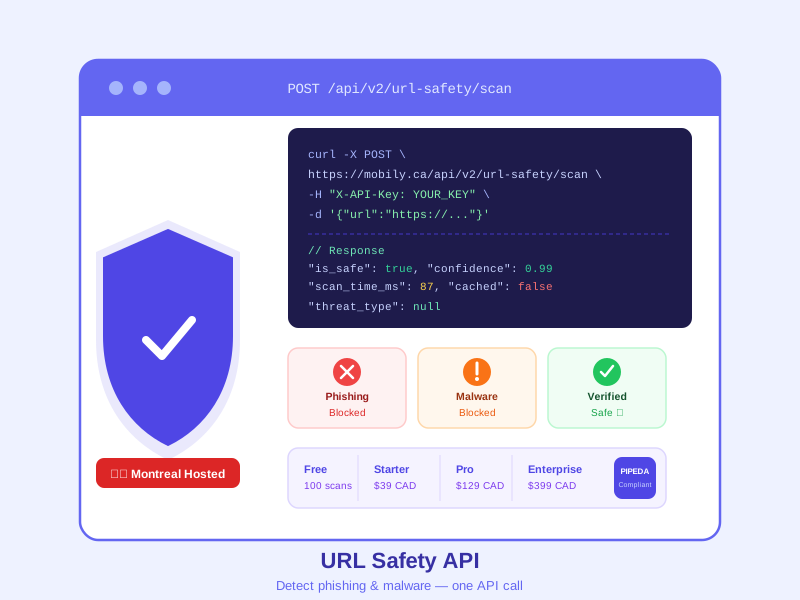
Developer-Friendly Solution: Mobily's API offers full REST API access with comprehensive documentation. Perfect for agencies and developers who need to automate link management at scale. Try our API for free with 50 links per month.
4. QR Code Generation
Modern businesses need both digital and physical marketing materials, making a tool with integrated QR code generation essential for saving time and ensuring consistency.
Essential QR features:
- Automatic QR code creation for every short link
- Customizable QR code design (colors, logos)
- High-resolution downloads for print materials
- QR code analytics (scan tracking by location and device)
5. Link Expiration and Security
For time-sensitive or secure campaigns, you need advanced link controls:
- Password protection for sensitive links
- Expiration dates (by calendar date or click count)
- Geographic restrictions (region-specific content)
- Device targeting (mobile-only or desktop-only links)
- Link editing (update destination URL without changing short URL)
6. Team Collaboration Features
If you're an agency or have a marketing team, look for a link shortener for agencies with collaboration features:
- Multiple user accounts with role-based permissions
- Workspace or folder organization
- Shared team analytics dashboards
- Activity logs showing who created or modified links
- Client-specific reporting capabilities
7. Social Media Optimization
A great link shortener for social media includes features specifically designed for platforms like Instagram, Twitter, LinkedIn, and Facebook:
- Open Graph tag customization (custom previews)
- Twitter Card support
- Click-to-tweet functionality
- Instagram bio link pages (Linktree alternative)
- Platform-specific analytics
8. Email Marketing Integration
When choosing a tool for email campaigns, ensure it provides:
- Clean URLs that don't trigger spam filters
- UTM parameter management
- Integration with major email platforms (Mailchimp, SendGrid, etc.)
- A/B testing support for different link variants
- Email-specific click tracking
9. Data Privacy and Compliance
For Canadian businesses or those serving Canadian customers, choose a Canadian URL shortener that ensures:
- PIPEDA compliance (Personal Information Protection and Electronic Documents Act)
- GDPR compliance for European visitors
- Data hosting in Canada
- Clear privacy policies
- No data selling or third-party sharing
- Secure SSL encryption for all links
Canadian Data Protection: Mobily is built as a URL shortener Canada businesses trust. All data stays in Canada, fully PIPEDA compliant, with no third-party data sharing. Your link data and analytics remain private and secure.
10. Pricing Transparency and Scalability
Look for a URL shortening service with clear pricing tiers that scale with your needs:
- Free tier: Should include enough links for testing (50-100/month) with full analytics
- Starter tier: For small businesses ($10-30/month) with custom domains and extended analytics
- Professional tier: For growing businesses ($30-100/month) with API access and team features
- Enterprise tier: Custom pricing with white-label options and dedicated support
Comparing Link Shortener Tools: What to Consider
Now that you understand the essential features, let's compare different types of solutions to help you make an informed decision.
Free vs. Paid Link Shorteners
While a free URL shortener can work for personal use or testing, businesses should consider these trade-offs:
| Feature | Free Services | Professional Services |
|---|---|---|
| Link Limit | 25-100 links/month | 1,000-Unlimited |
| Custom Domains | Usually not included | Fully supported |
| Analytics Retention | 30 days | 365 days or lifetime |
| API Access | Limited or none | Full API access |
| Branding | Generic domain only | White-label options |
| Support | Community only | Priority email/chat support |
Industry-Specific Considerations
Different industries have unique requirements when it comes to link management. Consider your specific needs:
- Marketing Agencies: You need an enterprise solution with client workspaces, white-label reporting, and team collaboration
- E-commerce: Look for UTM parameter automation, conversion tracking, and integration with Google Analytics and your e-commerce platform
- SaaS Companies: API-first approach, developer documentation, webhooks, and high rate limits are essential
- Content Creators: Focus on social media features, bio link pages, and simple analytics dashboards
- Enterprise: Security, compliance, SSO, dedicated support, and SLAs are non-negotiable
Link Shortener Tool Evaluation Checklist
Before committing, use this checklist to evaluate your options:
Essential Features Checklist
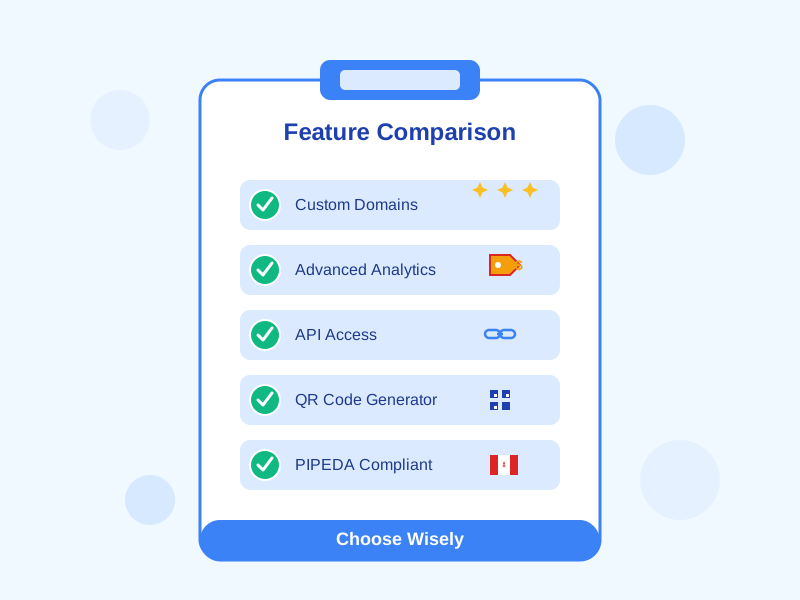
- Custom domain support with SSL
- Comprehensive click analytics
- QR code generation
- API access for automation
- Link expiration options
- Password protection
- UTM parameter management
- Mobile-responsive dashboard
- Data export capabilities (CSV, API)
- GDPR/PIPEDA compliance
Business Requirements
- Pricing fits your budget
- Link volume meets your needs
- Team collaboration features
- Integration with existing tools
- Reliable uptime (99.9%+)
- Customer support availability
- Data retention policies
- Scalability for growth
Common Mistakes When Choosing a Link Shortener
1. Focusing Only on Price
While a free link shortener saves money upfront, you might lose more through:
- Lost analytics data after 30 days
- Inability to rebrand links professionally
- Missing marketing opportunities
- Time wasted on manual processes without API access
2. Ignoring Data Privacy
Some providers sell your click data to advertisers or leverage it to build user profiles. Always choose a link management platform with clear privacy policies.
3. Overlooking Scalability
Your link volume will grow. Ensure your chosen service can scale from 100 links/month to 10,000+ without requiring platform migration.
4. Not Testing Before Committing
Always start with a free trial or free tier. Create 10-20 test links, check the analytics interface, try the API, and test customer support response times.
5. Choosing Based on Brand Name Alone
Well-known providers aren't always the best fit for every business. Consider a solution that offers better value, Canadian data hosting, or features specific to your industry.
Why Mobily Is the Smart Choice for Canadian Businesses
Based on these criteria and common mistakes to avoid, here's how Mobily addresses the needs of Canadian businesses:
As a professional URL shortener built specifically for Canadian businesses, Mobily offers:
- Canadian Data Hosting: All data stays in Canada, PIPEDA compliant
- Transparent Pricing: 65% more affordable than major competitors
- Complete Feature Set: Everything from custom domains to API access
- Advanced Analytics: 365-day data retention with detailed insights
- QR Code Generator: Built-in QR creation and tracking
- Privacy-First: We never sell your data or track users across the web
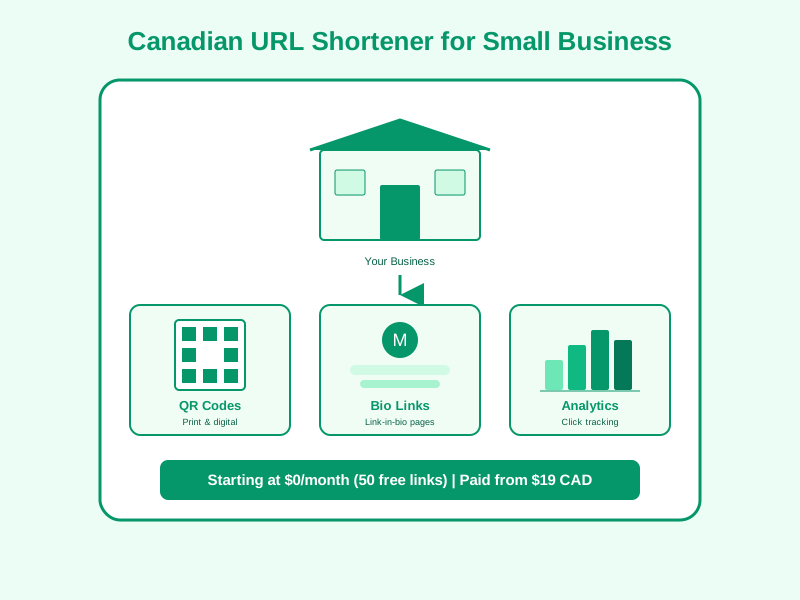
- Free Tier: 50 custom short links per month, forever free
- Fast Support: Email support with 24-hour response time
Real Customer Results:
"We switched from a major competitor to Mobily and cut our costs by 60%. The Canadian data hosting was the deciding factor for PIPEDA compliance. The custom domains work perfectly." — Sarah Johnson, Marketing Director, Toronto Tech Startup
Getting Started: A 5-Step Implementation Plan
Step 1: Sign Up and Create Your First Links (Week 1)
- Create a free account
- Shorten 5-10 test links
- Share on social media and track clicks
- Evaluate the analytics dashboard
Step 2: Add Your Custom Domain (Week 2)
- Choose your branded domain (go.yourbrand.com)
- Configure DNS settings
- Test SSL certificate
- Create branded links for your campaigns
Step 3: Integrate with Your Tools (Week 3)
- Connect to your email marketing platform
- Set up API access if needed
- Configure UTM parameters
- Test link tracking in Google Analytics
Step 4: Train Your Team (Week 4)
- Create user accounts for team members
- Document your link naming conventions
- Share best practices guide
- Set up workspace organization
Step 5: Scale and Optimize (Ongoing)
- Review analytics monthly
- Optimize your most-clicked links
- Expand to additional campaigns
- Upgrade tier as your volume grows
Conclusion: Making the Right Choice
Choosing the best link shortener tool for your business in 2026 requires balancing features, pricing, privacy, and scalability.
For Canadian businesses, a Canadian URL shortener like Mobily offers the perfect combination: enterprise-grade features at startup-friendly prices, with the added benefit of Canadian data hosting and PIPEDA compliance.
Don't settle for a basic link shortener—invest in a complete link management platform that grows with your business.
Frequently Asked Questions
What is the best free URL shortener for businesses?
For businesses, Mobily offers the best free URL shortener with 50 custom short links per month, full analytics, and QR code generation—all at no cost.
Do I need a paid link shortener if I'm just starting out?
Start with a free link shortener that has a strong free tier (like Mobily's 50 links/month). Upgrade to paid when you need custom domains or exceed 50 links monthly.
Can I use a link shortener for Instagram?
Yes! A link shortener for social media is perfect for Instagram. Use it in your bio, stories, and posts to track engagement and optimize your content strategy.
Is it safe to use a free link shortener?
Choose a reputable URL shortening service with clear privacy policies. Avoid services that inject ads or sell your data. Mobily never sells user data and keeps all information private.
What's the difference between a link shortener and link management software?
Link management software goes beyond simple URL shortening to include team collaboration, advanced analytics, API access, custom domains, and enterprise features.
Can I change where a short link points after creating it?
Yes! Most professional services allow you to edit the destination URL without changing the short link. This is essential for long-term campaigns.